Newsletter · March 28, 2025
Here’s What’s Breaking, Fixing, and Worth Clicking

We’re back with another edition of News from the IT Sasquatch—your favorite bi-weekly dispatch from the Pine Cove crew. We pull this together every two weeks not just to keep you in the loop, but to share what we’re seeing out in the field, what’s worth paying attention to, and what’s making us pause and say, “Okay... we need to talk about this.”
This week, we’re taking you behind the scenes of a courthouse project that gave us serious hardware-meets-history vibes, calling out a Chrome security issue that’s flying under the radar, and tossing out a fake phishing email that’s a little too close to the real ones hitting inboxes everywhere. As always, it’s straight from us to you—with zero fluff and all the good stuff.
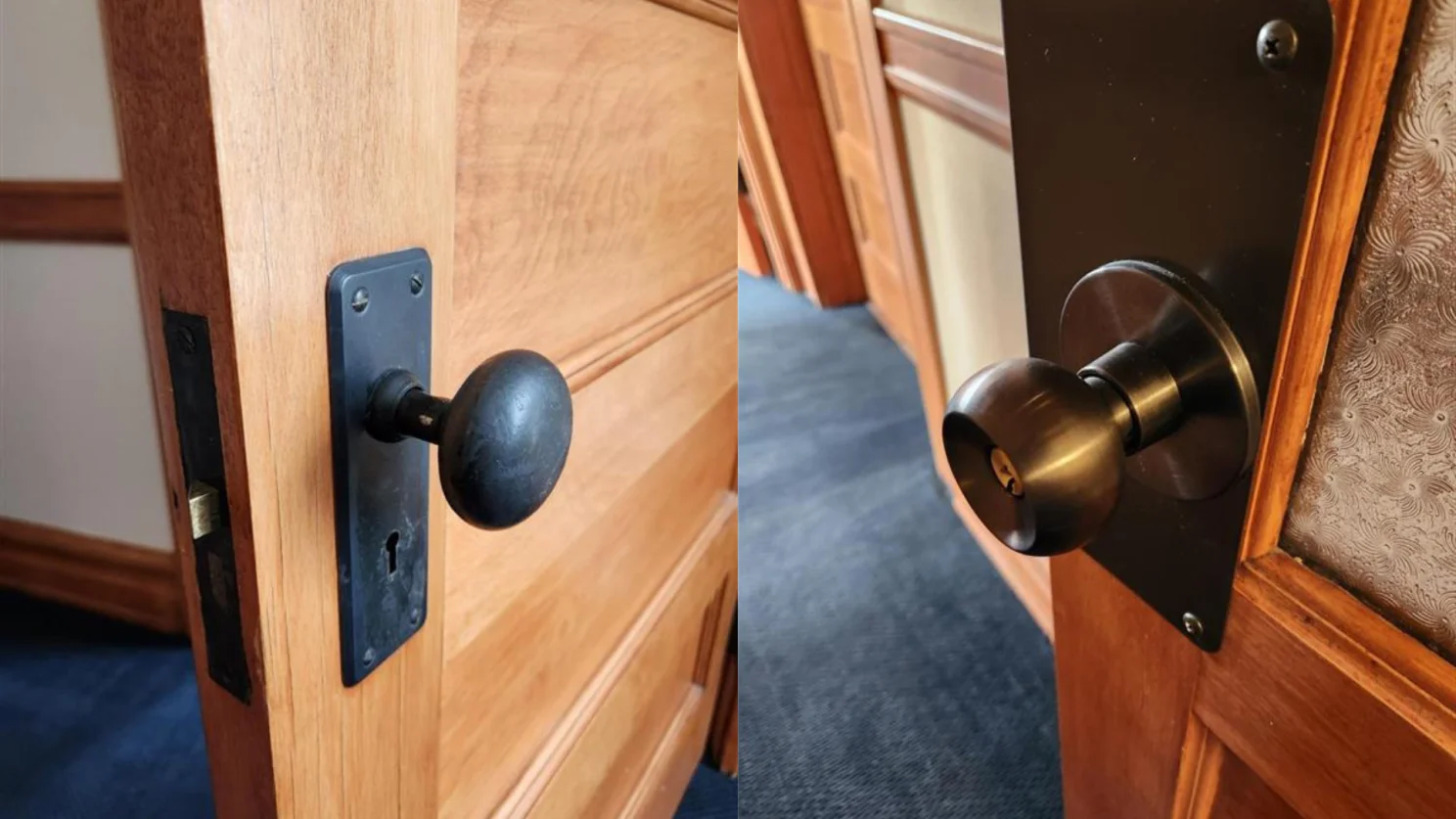
Old Doors, New Tricks
Project Spotlight: Summit County Courthouse
Modern security and century-old doors don’t exactly go hand in hand—but that’s what made this project so interesting.
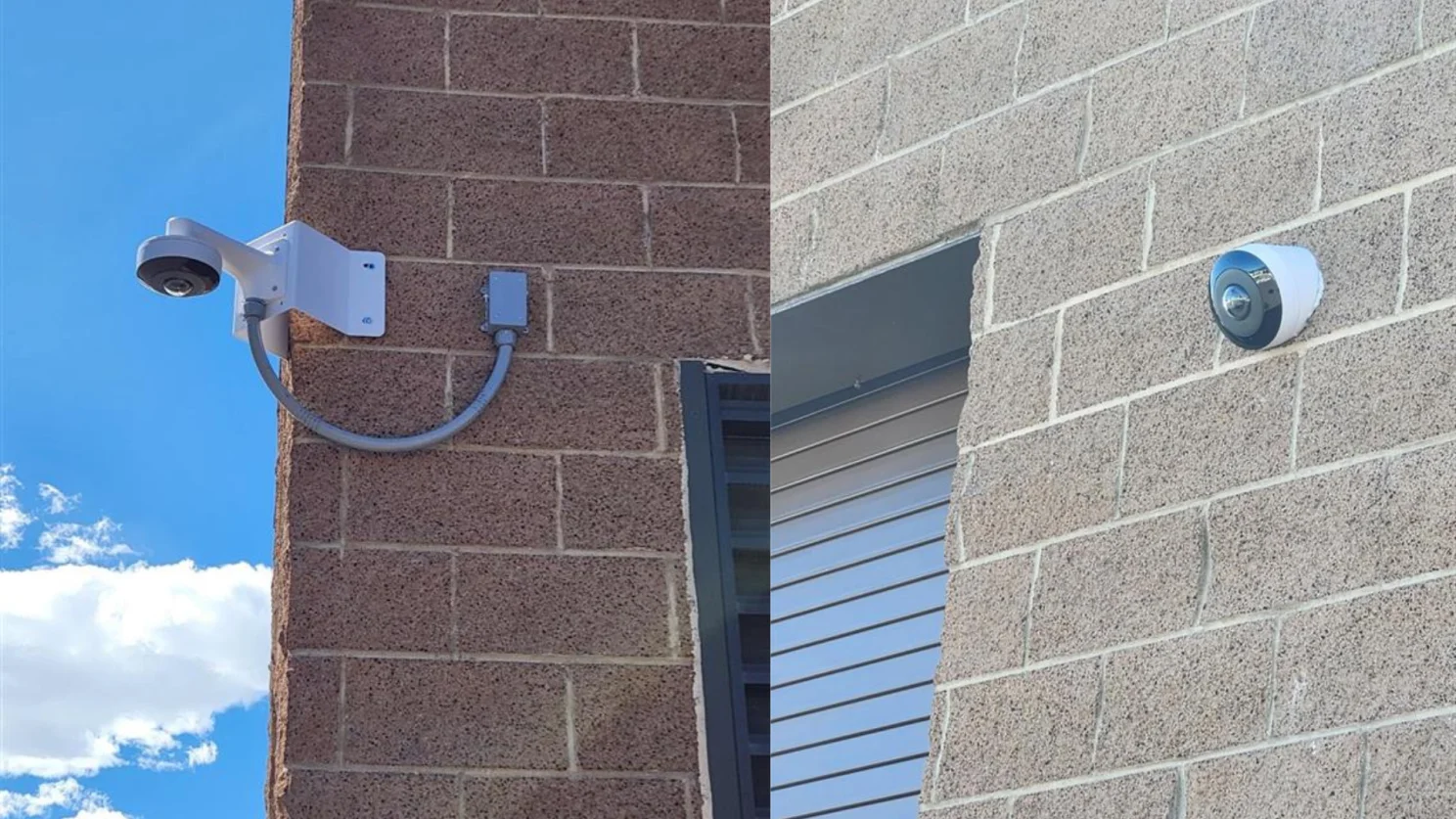
We teamed up with the Summit County Courthouse to install Verkada access control and surveillance throughout the building. The challenge? Integrating smart, cloud-based security without disrupting the historical integrity of the space.
From reworking vintage hardware to planning cabling that wouldn’t interfere with the architecture, this project was all about bridging legacy with modern infrastructure—something we know many of you are tackling, too.
We also had to do a bit of back and forth to get the aesthetics just right—no levers allowed on those 100-year-old doors! The final result hit the mark: secure, modern, and still true to the building’s original charm.
Want to explore the tech? Here’s a look at Verkada.
Why it matters: Buildings like this may be beautiful and full of history—but they still need to meet today’s security standards. Cloud-based access control gives teams more visibility and remote management while helping meet compliance requirements. Plus, it’s scalable for future needs (without needing a full renovation).
A Few Lessons from the Field:
- Plan for surprises. Older buildings don’t always have clean blueprints or easy cable paths—leave room for creative problem-solving.
- Preserve the character. Look for hardware that blends into the aesthetic, or consider mounting methods that minimize visual impact.
- Cloud makes it easier. Remote management and centralized monitoring go a long way, especially in buildings with limited staff onsite.
- Involve stakeholders early. Historical committees or building managers may have requirements—get their input before making cuts or changes.
Quick Bytes: Must-Read Articles:
- Verkada Expands Access Control with SimonsVoss Partnership: Announced at VerkadaOne London, this new partnership with SimonsVoss brings wireless lock integration to Verkada’s cloud-based platform—offering more flexibility for securing diverse building environments.
- Newline Launches EDLA OPS Computer for Android 13-Enhanced Displays: Newline just introduced its EDLA-certified OPS computer, bringing seamless integration of Android 13, Google Play access, and upgraded performance to compatible displays. It’s a plug-and-play upgrade designed to simplify classroom and boardroom tech.
- YouTube Creators Targeted by Phishing Scams Disguised as Brand Collaborations: Cybercriminals are impersonating reputable brands, sending YouTube creators fake collaboration offers containing malicious attachments. Opening these files can install malware designed to steal sensitive information, including login credentials and financial data. Creators are advised to verify unsolicited partnership requests and exercise caution with email attachments.
Important Security Update for Chrome Users
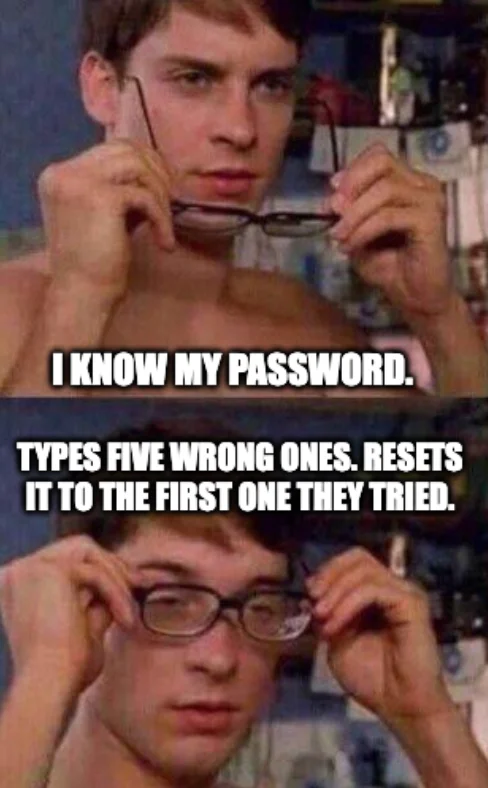
A recent cyber-espionage campaign, dubbed "Operation ForumTroll," has been identified, targeting Google Chrome users through phishing emails. These emails contain malicious links that exploit a zero-day vulnerability (CVE-2025-2783), allowing attackers to bypass Chrome's security measures and potentially access sensitive information.
Why This Matters to Our Community
In environments like schools, local government offices, and small businesses—where Chrome is widely used—this vulnerability poses a significant risk to daily operations and the protection of sensitive data. Given the reliance on Chrome for accessing educational resources, managing municipal services, and conducting business operations, it's crucial to address this issue promptly.
Immediate Actions to Take
- Update Chrome Promptly: Google has released a security patch to address this vulnerability. Ensure your Chrome browser is updated to the latest version. To update:
- Exercise Caution with Emails: Be vigilant with unsolicited emails, especially those containing links or attachments. If an email seems suspicious, avoid clicking on any links or downloading attachments.
- Educate Your Team: Inform colleagues, staff, and students about this threat to foster a community-wide culture of cybersecurity awareness.
For more detailed information on this vulnerability and the associated attacks, you can read the full article here
By taking these steps, we can collectively enhance our community's resilience against cyber threats and ensure a safer digital environment for all.
Would You Fall for It? – Pine Cove Edition
We love a good phishing email. Not because we enjoy danger—but because some of them are so bad, they’re almost impressive.
Here’s a (fake) phish that someone, somewhere, would absolutely fall for. Can you spot the red flags?
Subject: FINAL WARNING: Your Email Access is About to Be Deactivated!
Body:
Dear User,
We have noticed unauthorized access to your inbox. As a safety precaution, your account will be terminated unless you verify your identity within 2 hours.
👉 Click Here Immediately to Stay Safe
Thank you for your cooperation,
Email Admin Department Security Compliance Office™
So… what should be setting off your IT alarm bells? Shoot us your red flag list—or share your best (or worst) “almost fell for it” moment. Bonus points if it involves a fake prince or an attachment named INVOICEURGENT123.exe.
Let’s keep our inboxes clean and our coworkers click-proof.
Until Next Time—Stay Sharp, Stay Connected
That’s all from us for now. We hope this edition gave you something to think about, something to laugh at, and maybe even something to forward to a teammate. As always, if you’ve got questions, feedback, or a tech story that deserves a spotlight—hit reply and let us know. We’re all in this together, and we’re glad to be on the trail with you.